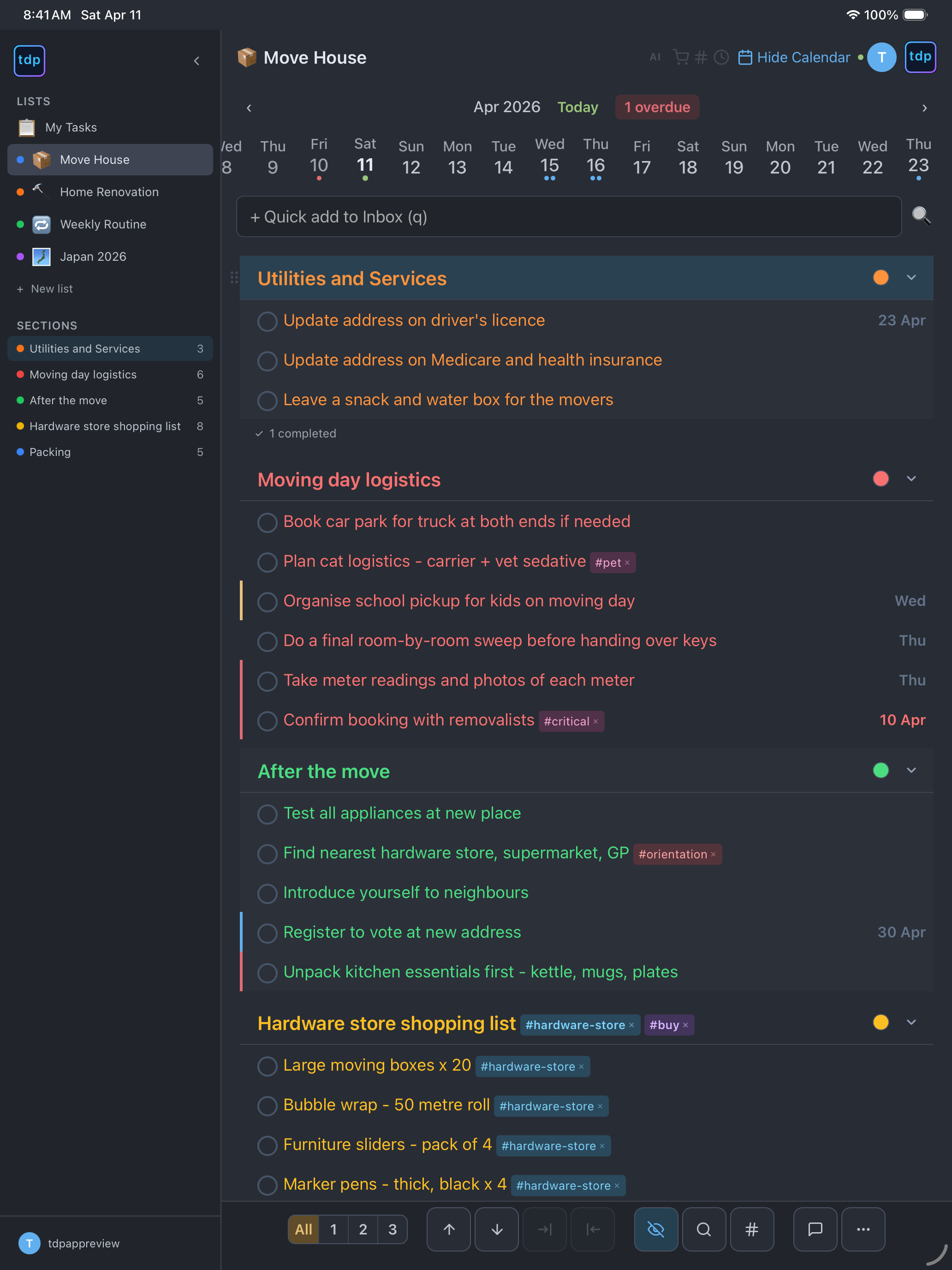
tdp is built around a small set of features done well. No bloat, no feature-gating tricks. Every plan includes Google and Apple Calendar sync, shared lists, recurring tasks, email-to-task, real-time sync, unlimited nesting, and vim keybindings. See pricing →
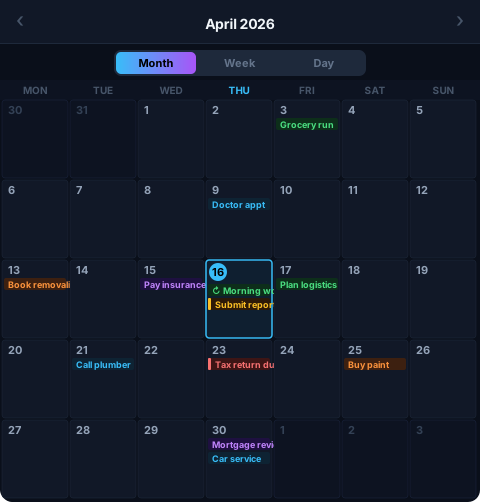
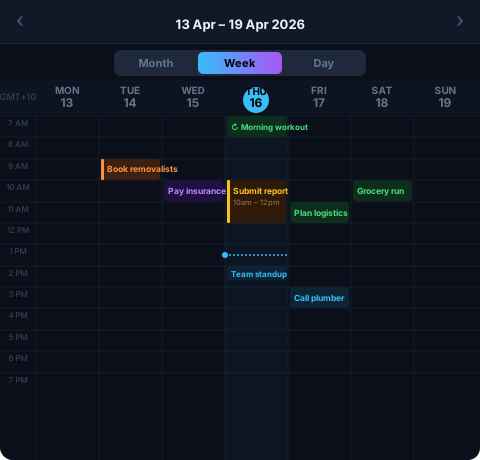
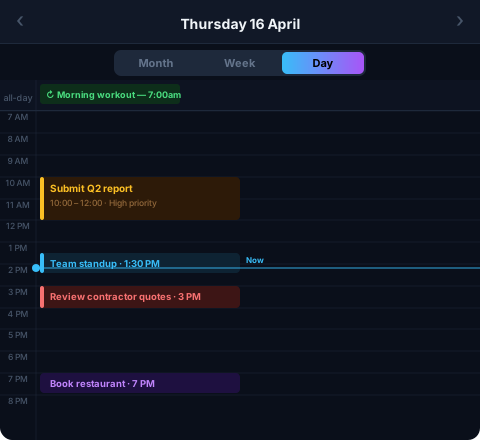
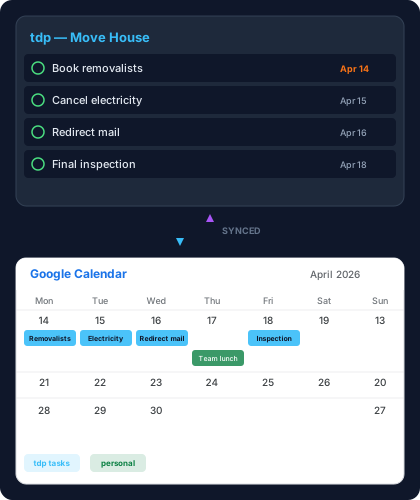
Sync with Apple Calendar and Google Calendar. Tasks with due dates appear on your calendar. Recurring task completions are preserved as permanent events.
Plus syncs one list. Pro syncs all lists. See your tasks alongside meetings and appointments in the calendar app you already use.
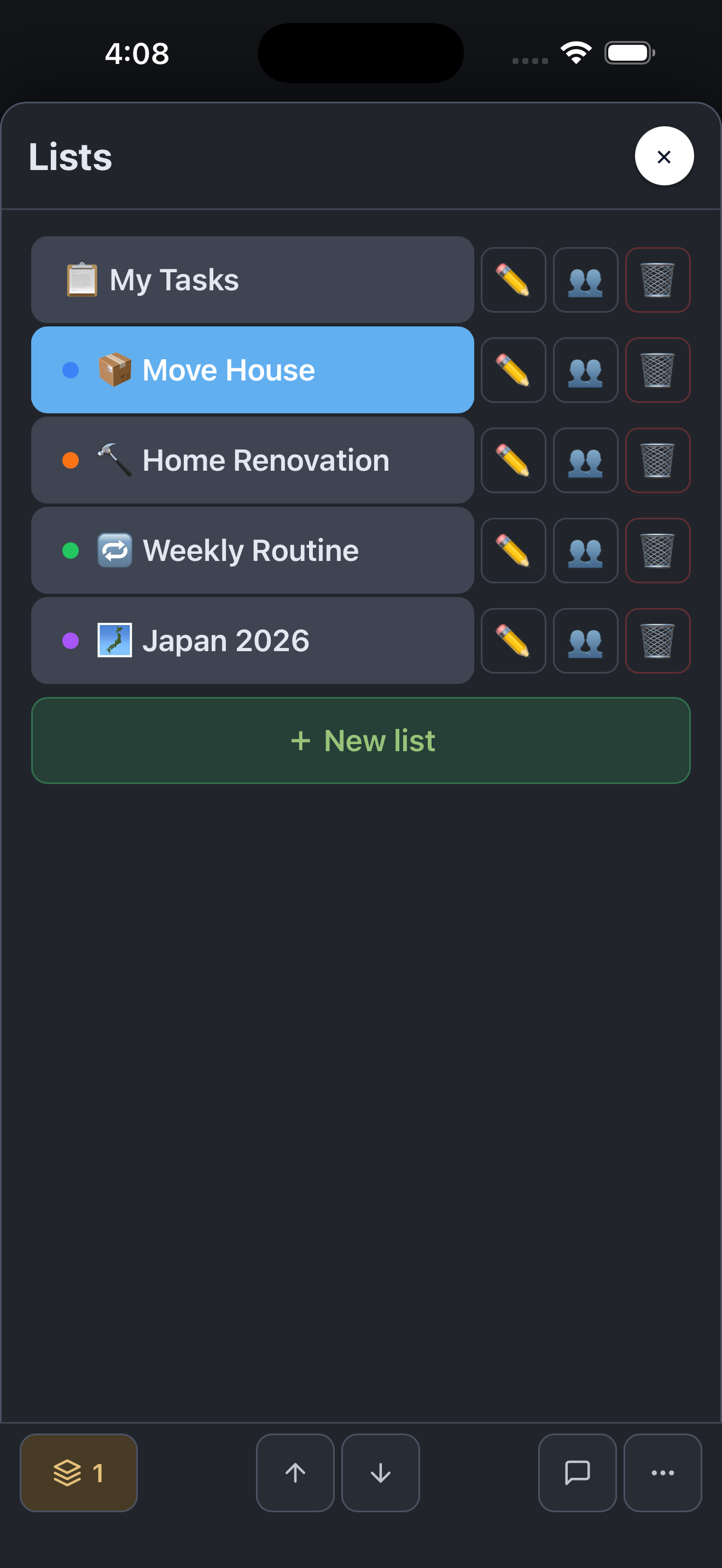
Invite collaborators by email. Sharing is consent-based — the recipient must accept. Once shared, changes sync in real time across all members.
Planning a wedding with friends? Coordinating a renovation with your partner? Share a list and everyone sees the same tree, the same completion status, the same due dates — updated in real time.

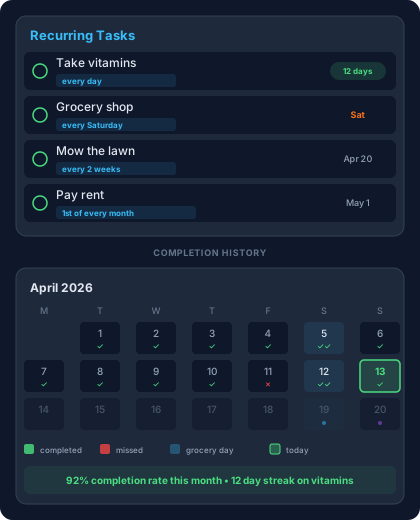
Daily, weekly, monthly, or custom schedules. When you complete a recurring task, it resets automatically with the next due date. Your completion history is preserved — see what you've done, not just what's left.
Supports complex patterns: every 2 weeks, first Monday of the month, weekdays only. Set it once, forget it.
Recurring task completions are preserved in Google and Apple Calendar. In-app completion history coming soon.
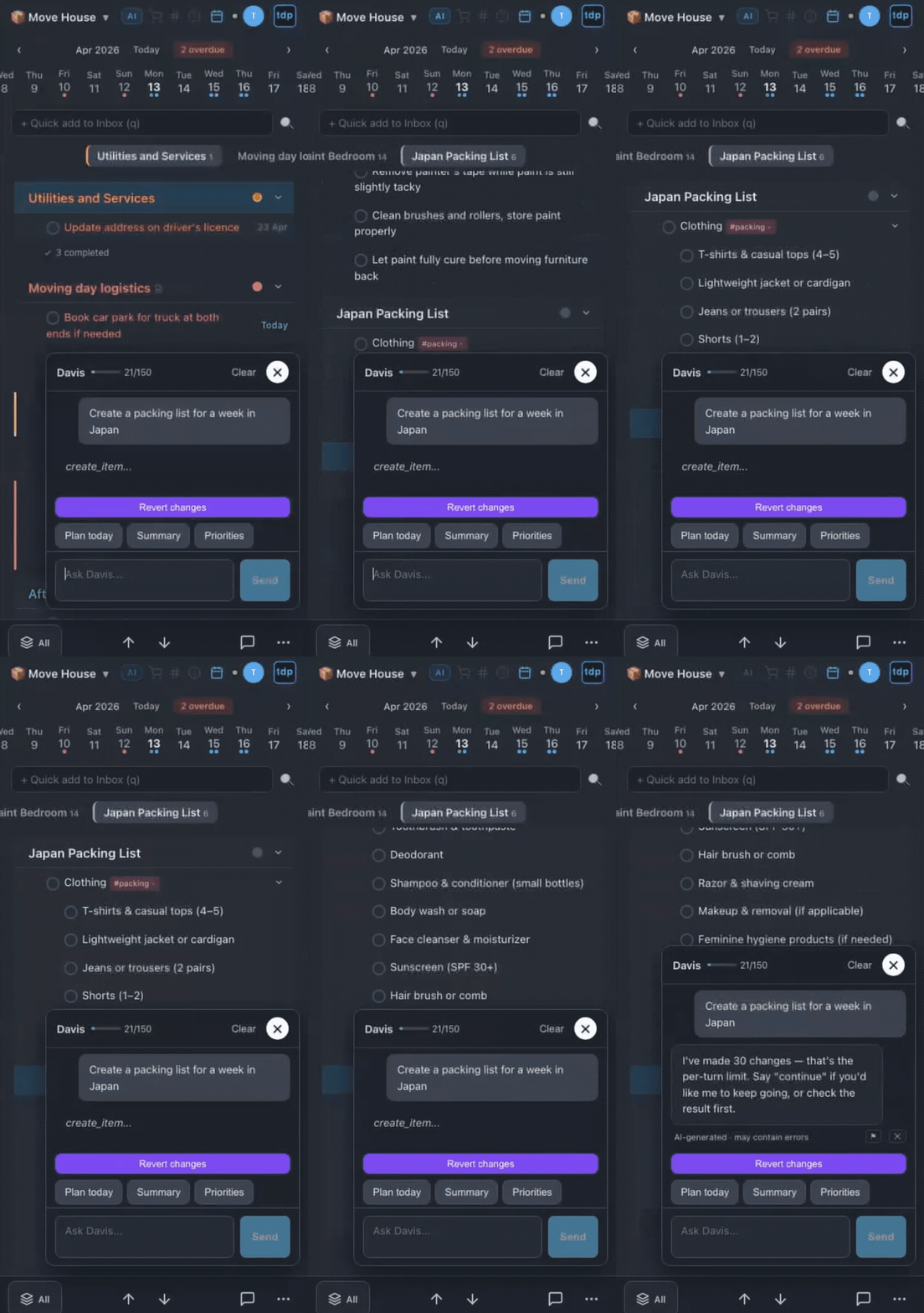
Tell Davis what you need in plain English: "add milk to my grocery list," "move everything from Kitchen to Garage," "what's left this week?" Davis modifies your tasks directly — not just suggestions.
Powered by Claude. 150 messages per month on Pro. Davis understands your full task tree, priorities, due dates, and recurring schedules.

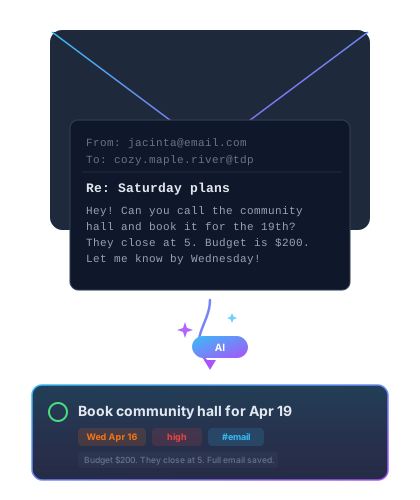
Forward any email to your personal 3-word address (like cozy.maple.river@thedavisplanner.com) and it becomes a task. The subject is the title. The email body is saved as the description.
Free gets 5 per day. Pro adds AI scan & set — Davis reads the email and extracts due dates, priorities, and tags automatically.
Think in outlines, not flat lists. Nest tasks inside tasks inside tasks — as deep as you need. Every heading becomes a collapsible section. Every sub-task can have its own sub-tasks.
Most task apps cap nesting at 2-4 levels. tdp has no limit. Structure your work the way your brain already organises it.

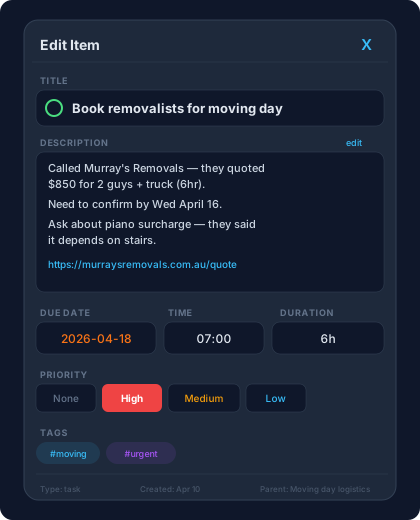
Add notes and links below any task title. Email-sourced tasks store the full email body — and you can reply directly to the sender from inside tdp.
Descriptions sync to calendar events as notes. Expand inline to read, collapse to keep your outline clean.
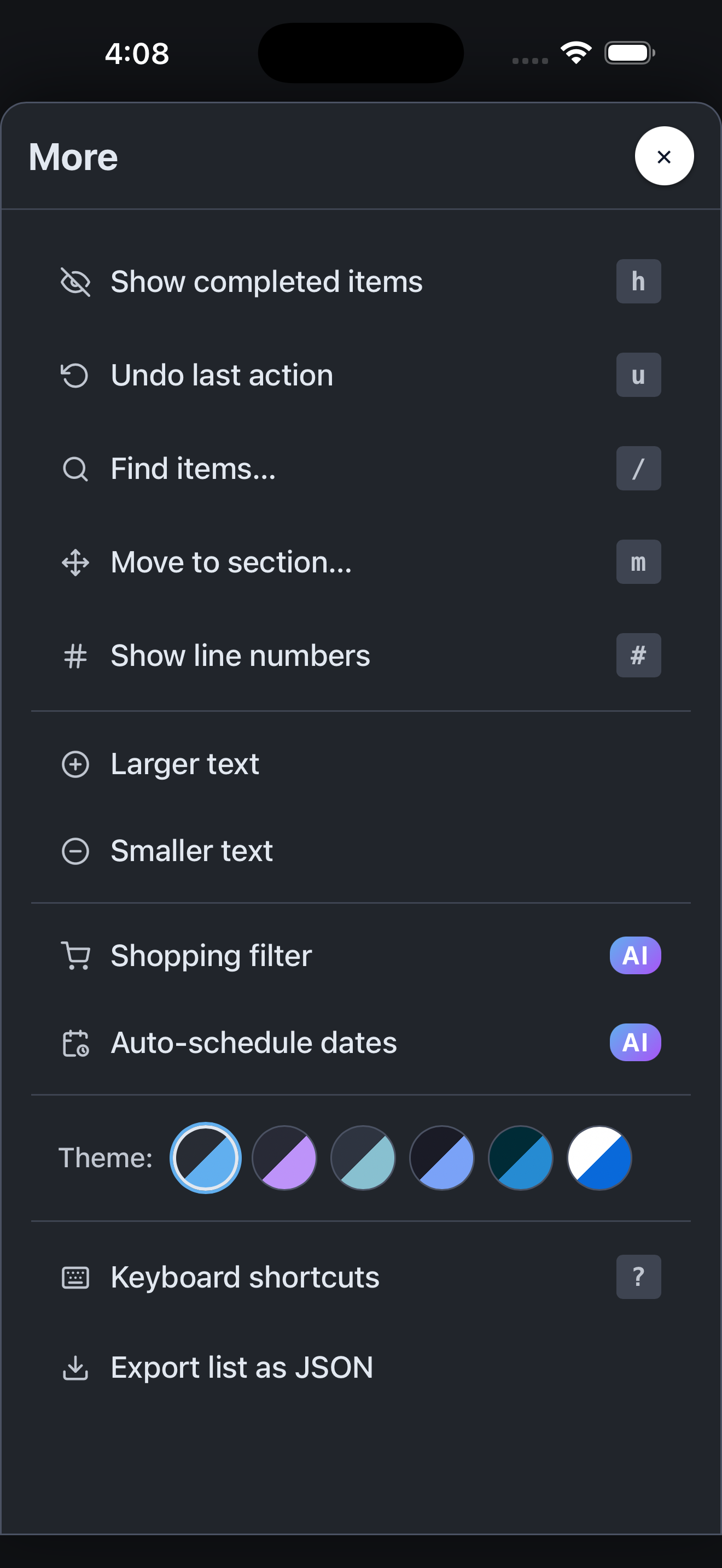
Let Davis suggest when to do things. Smart Schedule analyses your due dates, priorities, and workload, then assigns dates to undated tasks so nothing falls through the cracks.
Ever forget what you needed from the hardware store? Tap the shopping filter and Davis scans your entire list to find items that need a trip to the shops — across every section, every depth.

Navigate with j/k, delete with dd, paste with p, insert with o. Over 30 keyboard shortcuts with command and edit modes.
Not a gimmick. The entire UI was designed keyboard-first. Move items through a list fast, reorganise sections, and manage hundreds of tasks without touching the mouse.

Connect tdp to thousands of other apps. Create tasks from Slack messages, Google Forms, or CRM events. Trigger actions when tasks are completed. Full REST API with API key authentication.
Triggers: task created, completed, updated, due today. Actions: create, update, complete, search. Pro plan only.
Free plan includes all core features. No credit card required.
Start Free